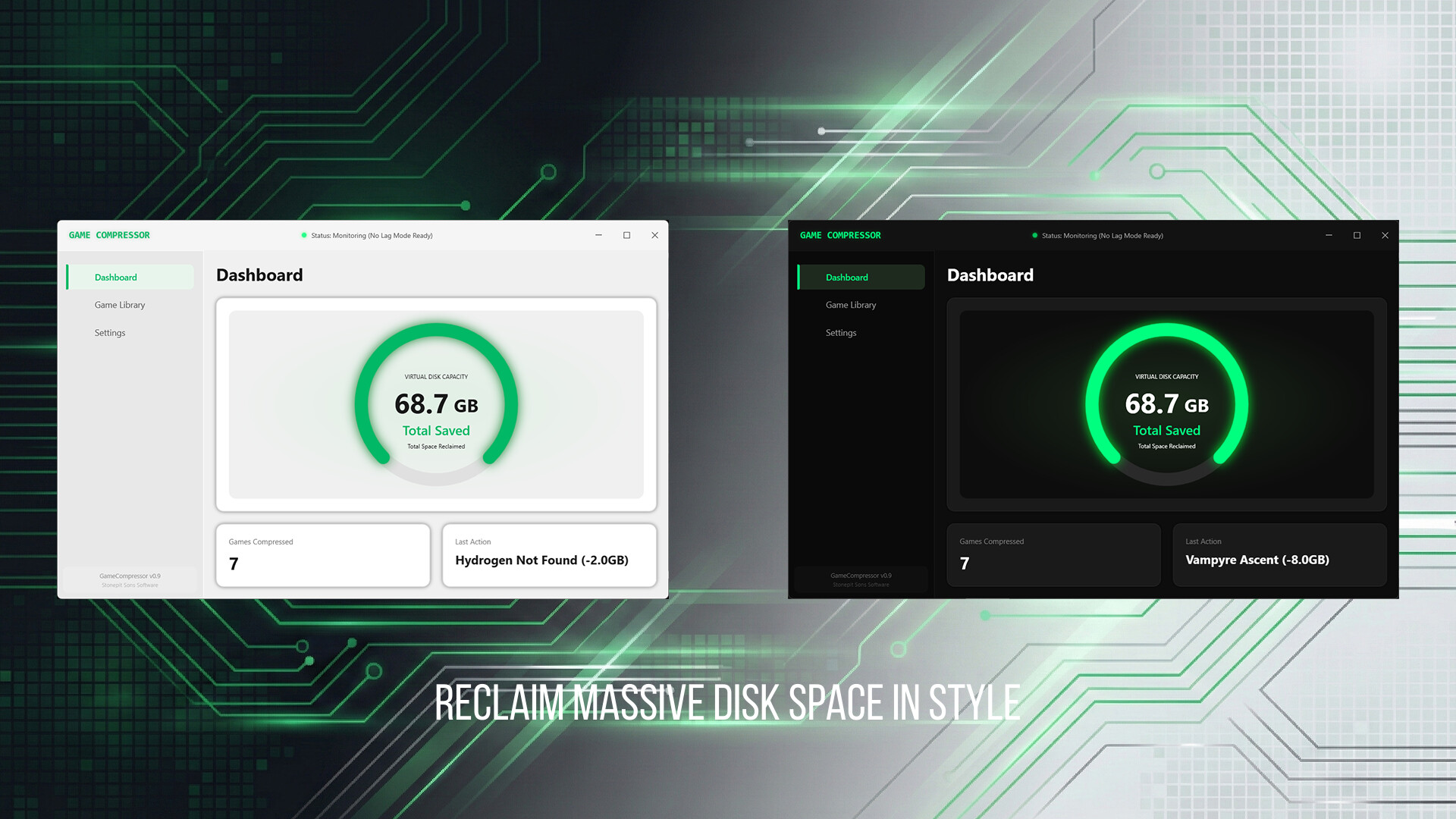
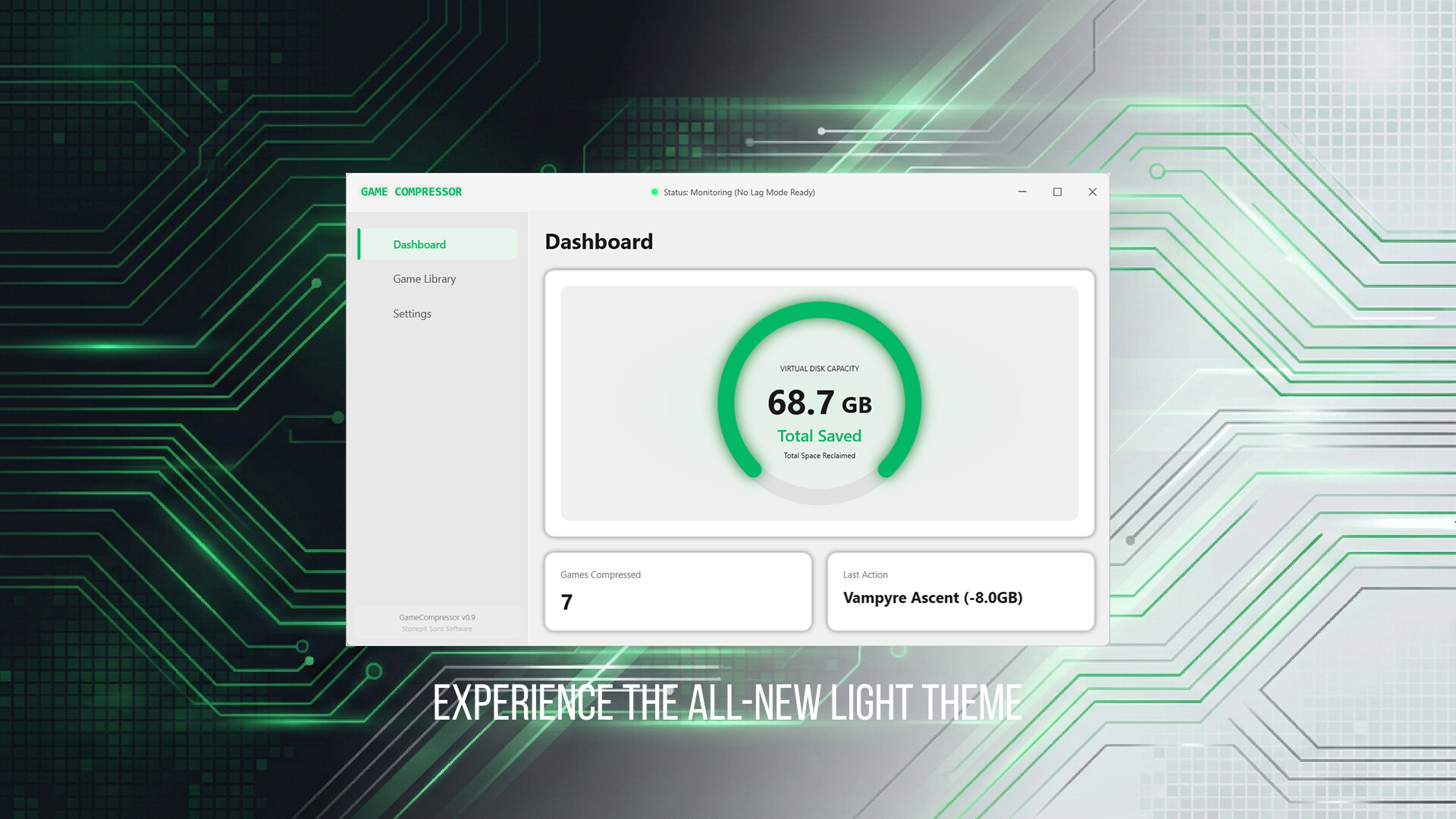
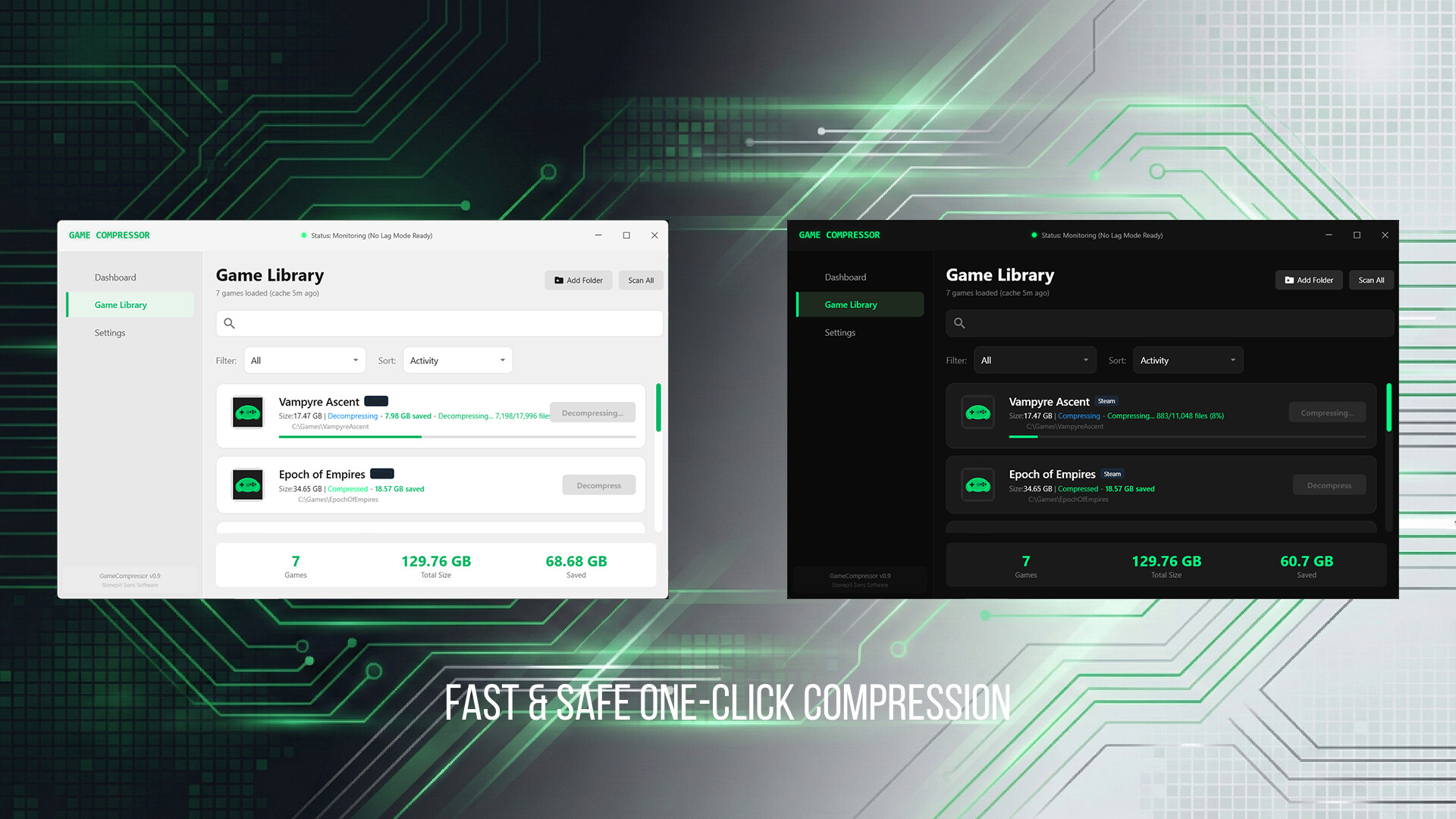
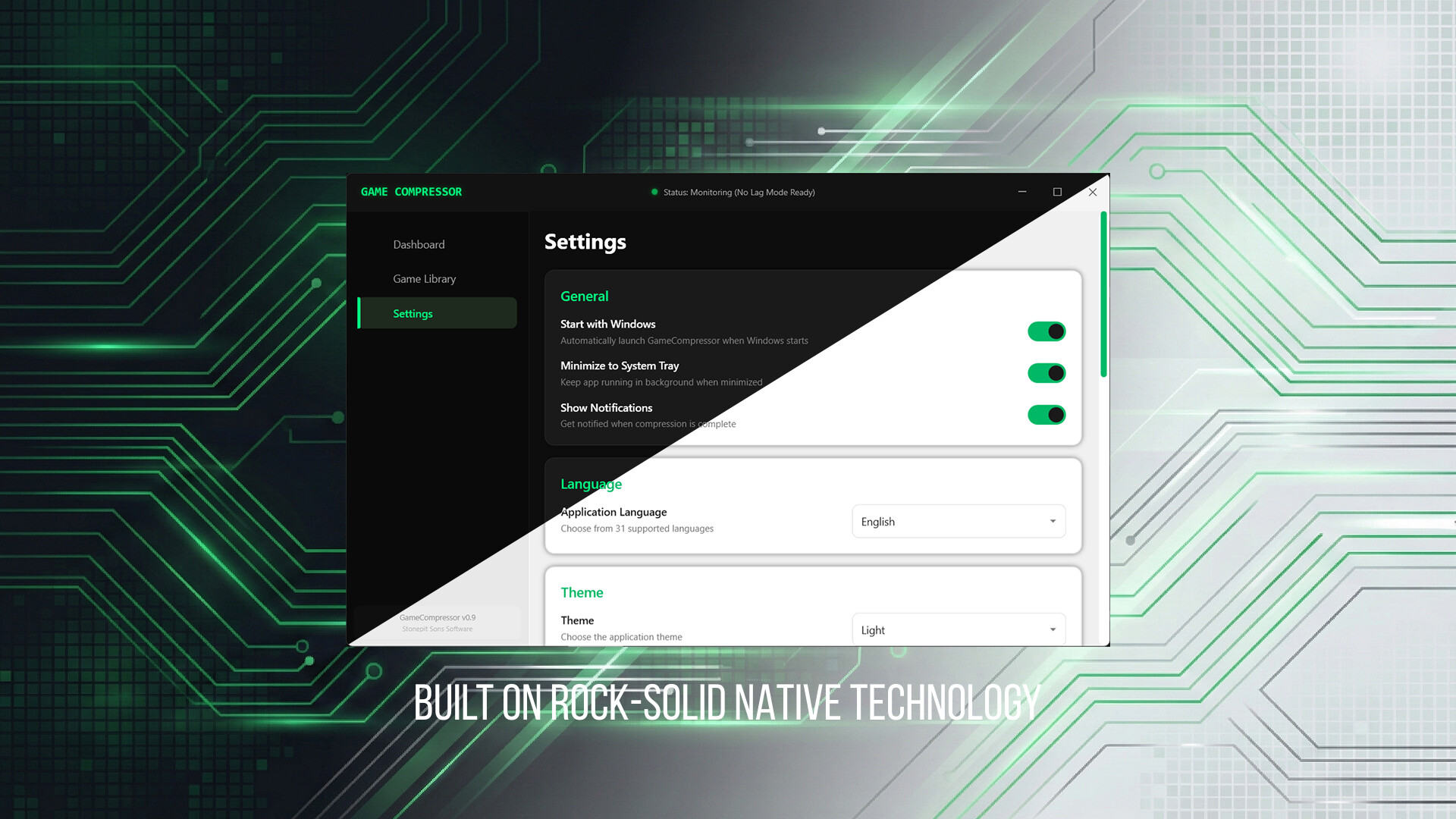
Game Compressor uses Windows' native LZX architecture to compress your game files by up to 50%. Zero FPS loss, instant playability, and fully automatic library management.
Game Compressor is not a superficial archiving tool (ZIP/RAR). It operates directly at Windows' NTFS file system level.
Game files sit on your drive as compressed physical blocks. The actual size on disk shrinks dramatically.
The OS and game engine continue to see files at their "original size." Everything works transparently.
When a game requests a file, it's decompressed on-the-fly in milliseconds via RAM/CPU. The game doesn't even know!
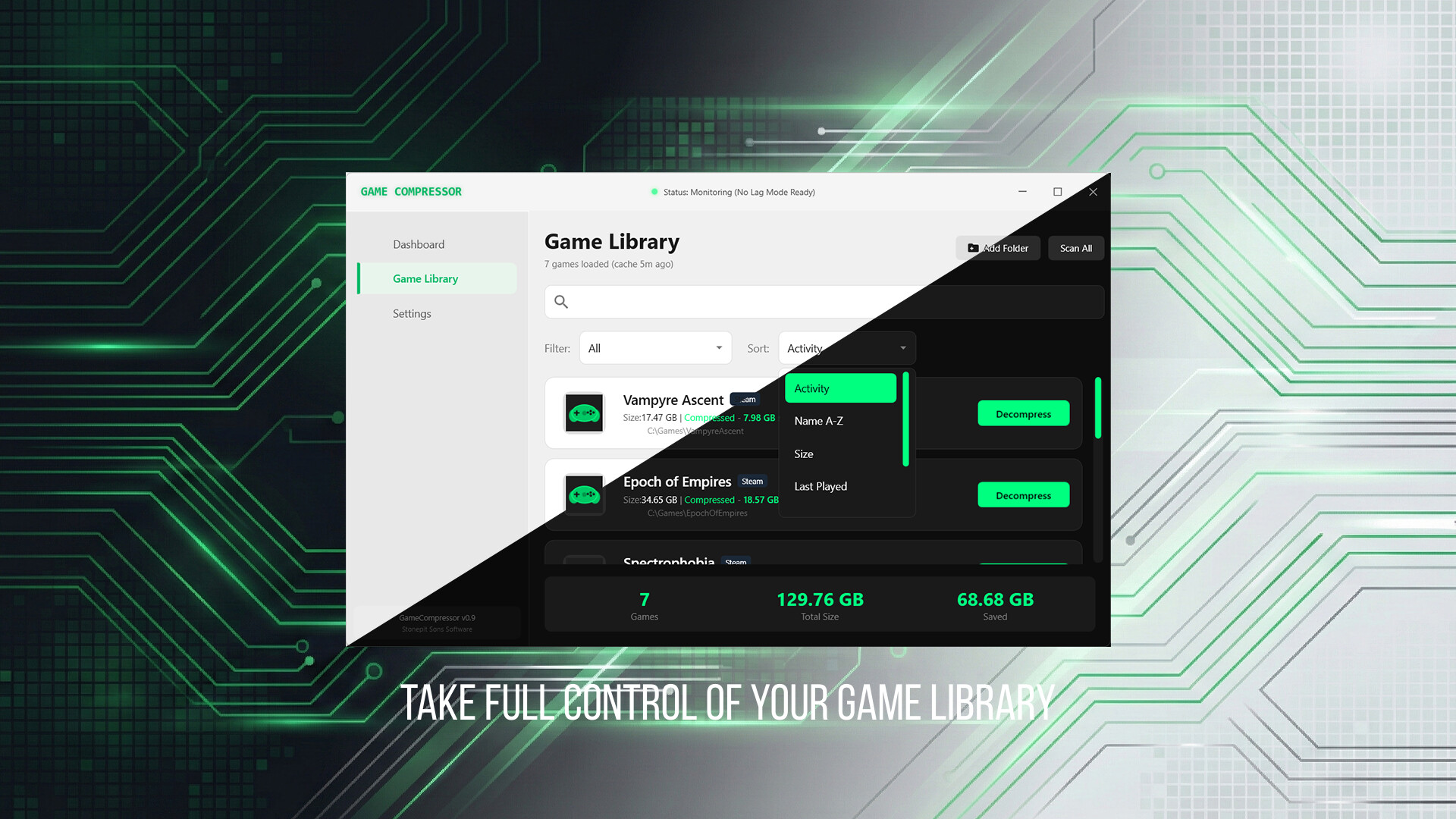
Smart automation, real-time protection, and multi-platform support. Manage your entire game library from a single interface.
No manual work when you install new games. The "Auto Compress" feature silently handles everything in the background.
The moment you launch a game, Game Compressor detects it and pauses all background operations. 100% of your system resources go to your game.
It never modifies .exe or .dll files. It only reduces size at the disk level. Zero ban risk with VAC, Vanguard, Easy Anti-Cheat.
Not limited to Steam. Supports Epic Games, GOG, Battle.net, Riot Games, and any custom folder you choose.
Files bloat again after game updates. Rescan updated files with one click to reclaim lost GBs instantly.
Decompress your files back to their original state at any time with a single click. Absolutely zero risk of data loss.
Actual compression results from popular games. Room for hundreds more in your library!
ROG Ally, Legion Go, Steam Deck (Windows) — break free from SD card limitations.
Virtual disk expansion for laptop users with 512 GB drives.
For those who can't bear to uninstall their games. Keep everything.
Absolutely not! This is the biggest misconception. The compression (write) process happens only once per game. While you're playing, the system only performs "Read" operations. In fact, since your files are now smaller, the physical data read from your SSD decreases, actually reducing the load on your drive.
The LZX algorithm runs extremely light on RAM. It doesn't load files all at once — instead, small chunks are decompressed on-the-fly as the game engine requests them. This process takes mere milliseconds even on older CPUs, so there's zero negative impact on your in-game FPS or loading screens.
While our core technology shares the same solid foundation (Windows LZX), Game Compressor was built from scratch for a modern user experience. Unlike older tools, we offer automatic compression, smart pause during gameplay, multi-platform detection, and active Early Access support — a true "set-and-forget" experience.
This is entirely dependent on the game developer's choices. Some studios heavily encrypt or pre-package their game files within their own engines. Game Compressor scans these locked files but can't extract much extra space. However, in games with thousands of loose files, you'll reclaim dozens of gigabytes within minutes.
Game Compressor draws its power directly from Windows' NTFS file system. Since Steam Deck uses a different file system (Linux/ext4/btrfs), it currently only works on Windows 10/11. Steam Deck users running Windows are fully supported.
Get Game Compressor during Early Access at a special introductory price. Don't miss the early supporter benefits.
Windows 10/11 • One-time purchase • No subscription